
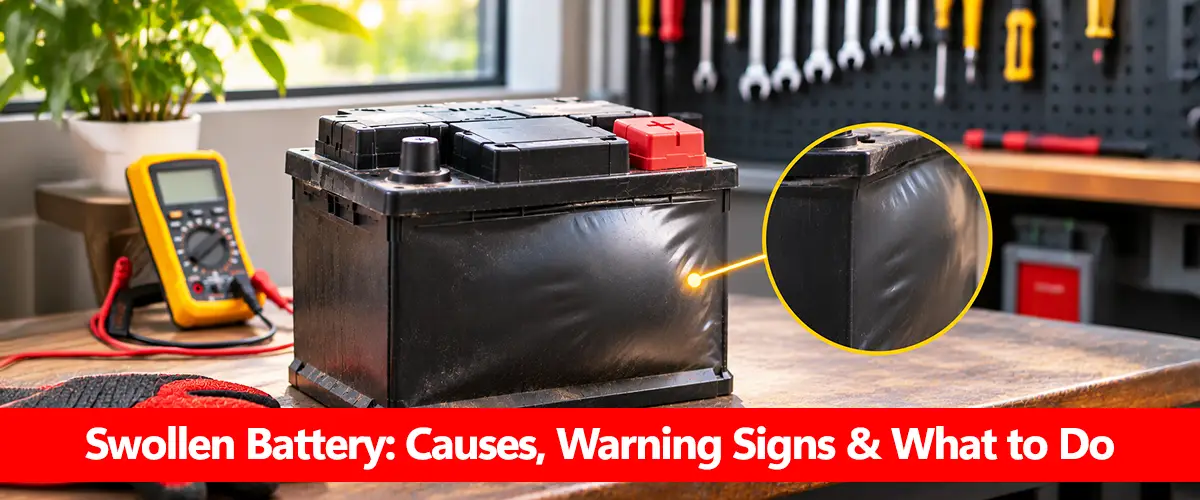
A swollen battery is a battery whose case has expanded, bulged or become visibly deformed. Swelling can develop because of internal gas buildup, excessive heat, overcharging or chemical deterioration. In rechargeable lithium-ion batteries, noticeable swelling is a warning sign of damage and a potential fire hazard.
If your battery is swollen, stop using or charging it and avoid pressing, puncturing or attempting to flatten the case. Do not try to repair it by discharging, freezing or opening it. A qualified technician or battery manufacturer should advise on safe replacement and disposal.
What Does a Swollen Battery Look Like?
Swelling is not always immediately obvious. Some batteries develop a rounded or uneven case, while others expand inside equipment and place pressure on surrounding components.
Common warning signs include:
- A visibly bulging battery surface.
- An unusually rounded or distorted battery case.
- Gaps appearing in a laptop or device enclosure.
- A raised trackpad, keyboard or back cover.
- Battery housing that no longer fits correctly.
- Unusual heating, leaking or chemical odors.
A swollen lithium-ion battery inside a laptop may push against its casing before the battery itself becomes visible.
For a car, UPS or inverter battery, deformation may appear along the outer case or around individual cells. However, some large sealed lead-acid batteries have slight case curvature by design. New, pronounced or increasing swelling should always be professionally assessed.
Why Do Batteries Swell?
Battery swelling is usually associated with internal pressure, heat or deterioration. The specific cause depends on battery chemistry and how the battery has been used.
| Possible Cause | How It Can Lead to Swelling |
| Overcharging | Excessive electrical input may produce heat and gas |
| High temperatures | Accelerates unwanted chemical reactions |
| Internal cell damage | May increase gas generation or pressure |
| Aging and deterioration | Can weaken battery materials and affect internal reactions |
| Incorrect charging equipment | May expose the battery to unsuitable voltage or current |
A swollen battery case in a lead-acid system may indicate prolonged overcharging, heat-related deformation or damage associated with remaining deeply discharged for extended periods.
Battery swelling is not always caused by a faulty charger. Manufacturing defects, physical damage and unsuitable operating conditions can also contribute. For the relationship between heat and battery condition, see temperature effect on battery.
Is a Swollen Battery Dangerous?
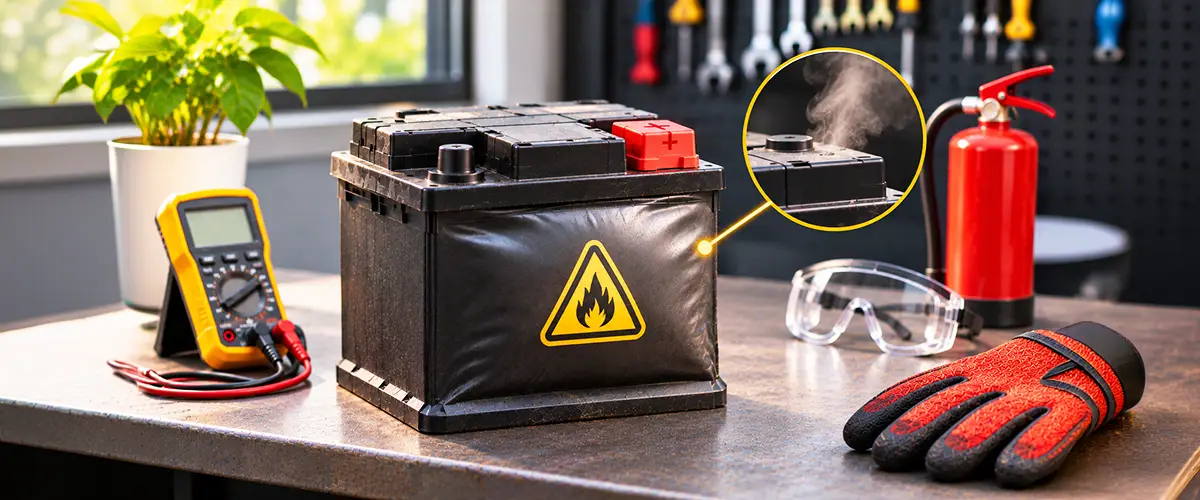
Yes. A noticeably swollen battery should be treated as potentially unsafe, even when it still powers equipment normally.
In lithium-ion batteries, swelling may be associated with internal gas formation and cell deterioration. Additional damage or heating can increase the risk of venting, fire or other hazardous events.
Lead-acid batteries have different risks. Overcharging can generate heat and hydrogen gas, while a damaged case may allow corrosive electrolyte to leak.
The most serious warning signs include:
- Rapidly increasing swelling.
- Unusual heat that continues rising.
- Hissing or gas venting.
- Smoke or strong chemical odors.
- Leakage or visible case damage.
If you notice smoke, hissing, rapid heating or signs of fire, move away, warn others and contact emergency services. Do not approach the battery to disconnect cables or move it. Our battery getting hot and can batteries explode guides explain related hazards.
What Should You Do If Your Battery Is Swollen?
The correct response is to stop using the battery and avoid actions that could damage its internal cells.
Follow these safety-first steps:
- Stop using the device or battery system. Do not continue normal operation.
- Stop charging if safe. Disconnect power only when you can do so without touching or approaching the damaged battery.
- Avoid physical pressure. Do not squeeze, bend, puncture or attempt to flatten the battery.
- Keep people away. Prevent children and pets from accessing the affected equipment.
- Watch for emergency warning signs from a safe distance. Smoke, venting or rapidly increasing heat requires evacuation and emergency assistance.
- Contact a qualified service provider. Request manufacturer-approved replacement and handling instructions.
Do not attempt voltage testing, repeated charging or load testing on a visibly swollen battery. For general handling precautions, read our battery safety guide.
Lithium vs Lead-Acid Battery Swelling
Lithium-ion and lead-acid batteries can both become deformed, but the underlying mechanisms and risks are different.
Lithium-ion batteries may develop gas inside their cells because of unwanted chemical reactions. This can expand flexible battery pouches or distort an equipment enclosure. Damaged lithium-ion cells can also create serious fire risks.
Lead-acid batteries may develop abnormal pressure and heat during excessive charging. Severe case deformation can indicate overcharging, blocked vents or internal battery problems.
The distinction matters because a recovery method intended for a lead-acid battery is not appropriate for lithium cells. Swelling should never be treated as a normal charging issue to fix at home. Our why lithium batteries catch fire guide explains the chemistry-specific fire risks.
Can a Swollen Battery Be Fixed or Recharged?
A visibly swollen battery should not be recharged or repaired for continued use.
Charging cannot reliably reverse physical swelling or restore damaged internal components. Attempting to puncture a lithium battery to release gas can create a serious fire hazard.
Likewise, opening a swollen lead-acid battery, adding chemicals or applying uncontrolled charging voltage is unsafe.
If the battery has expanded, replacement is generally the appropriate solution after professional assessment. Any related charger or electrical fault should also be investigated to avoid damaging the replacement.
This differs from an ordinary discharged battery, which may still be serviceable. Our can a dead battery be recharged article covers undamaged batteries with low charge.
How Should You Dispose of a Swollen Battery?
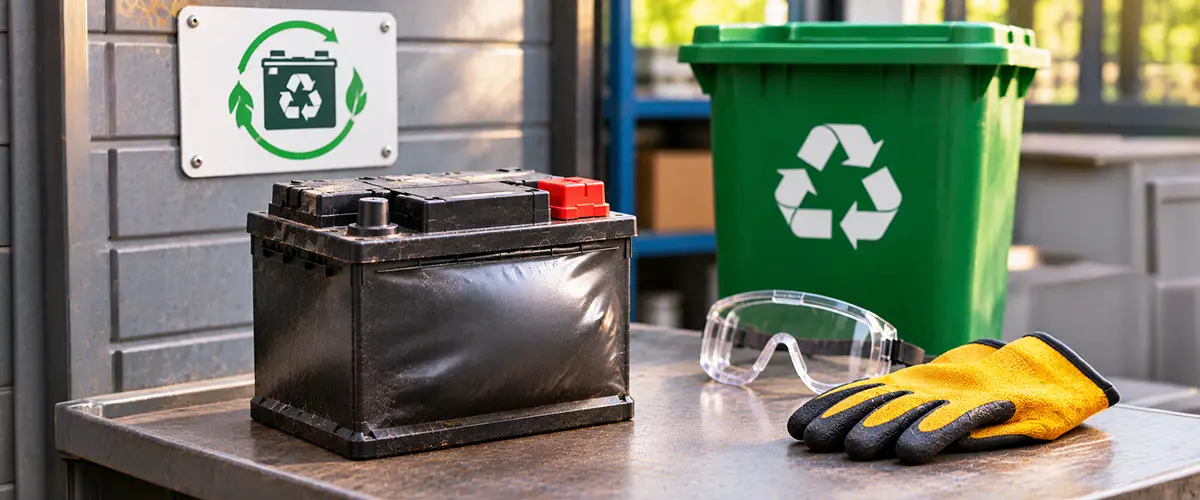
Swollen batteries need special handling because they may remain hazardous even when no longer functioning.
The US Environmental Protection Agency advises that damaged lithium-ion batteries should not be placed in ordinary household rubbish or mixed recycling. Instead, contact the manufacturer, an appropriate battery specialist or a facility that accepts damaged batteries.
For safe disposal:
- Do not place a swollen battery in household waste.
- Do not crush, puncture or dismantle it.
- Contact a qualified recycler before transporting it.
- Inform the recycler that the battery is swollen or damaged.
- Follow chemistry-specific handling and transport instructions.
Avoid shipping a swollen battery through ordinary courier services without explicit approval and appropriate hazardous-material arrangements. For additional guidance, see old damaged battery disposal.
How Can You Reduce Battery Swelling Risks?
Not every battery failure is preventable, but proper charging and operating conditions reduce avoidable stress.
Use manufacturer-approved chargers, avoid exposing batteries to excessive heat and inspect equipment for unusual changes. Keep UPS and inverter installations properly ventilated and follow the battery’s permitted charging-current and voltage limits.
If the battery repeatedly becomes hot or develops abnormal charging behavior, stop the affected operation and arrange an inspection before visible swelling develops.
A battery that drains quickly or fails to hold charge does not automatically have swelling damage. Those symptoms are addressed separately in battery draining fast and battery won’t hold charge.
Conclusion
A swollen battery is a warning sign that should not be ignored. Internal gas buildup, heat, overcharging or chemical deterioration can deform battery cases and create potential safety hazards.
Stop using or charging visibly swollen batteries, avoid physical handling and obtain professional replacement advice. Do not attempt to flatten, puncture or restore the battery. Safe handling and appropriate recycling are more important than trying to recover a battery that has already developed physical damage.
Frequently Asked Questions
What Causes a Battery to Swell?
Swelling can result from internal gas buildup, overcharging, excessive heat, battery aging or cell damage. The exact mechanism depends on battery chemistry.
Is It Safe to Use a Slightly Swollen Battery?
No. Noticeable swelling should be treated as a potential damage warning, even if the battery still works.
Can a Swollen Battery Explode?
A damaged battery may present fire, venting or explosion hazards depending on its chemistry and condition. Avoid further use and seek professional assistance.
Can I Charge a Swollen Battery?
No. Do not recharge a visibly swollen battery. Additional charging may worsen damage or increase safety risks.
Will Battery Swelling Go Away on Its Own?
A battery may appear to change shape as conditions change, but that does not confirm it is safe. Visible swelling requires professional assessment and usually replacement.
Can Heat Cause Battery Swelling?
Yes. Excessive heat can accelerate internal chemical reactions and contribute to gas buildup or case deformation.
Can I Remove a Swollen Battery Myself?
Do not force a swollen battery out of a device or enclosure. For built-in lithium batteries or large battery systems, contact a qualified technician.
How Do I Dispose of a Swollen Lithium Battery?
Contact the manufacturer or a recycler that specifically accepts damaged lithium batteries. Do not place it in household rubbish or ordinary recycling bins.