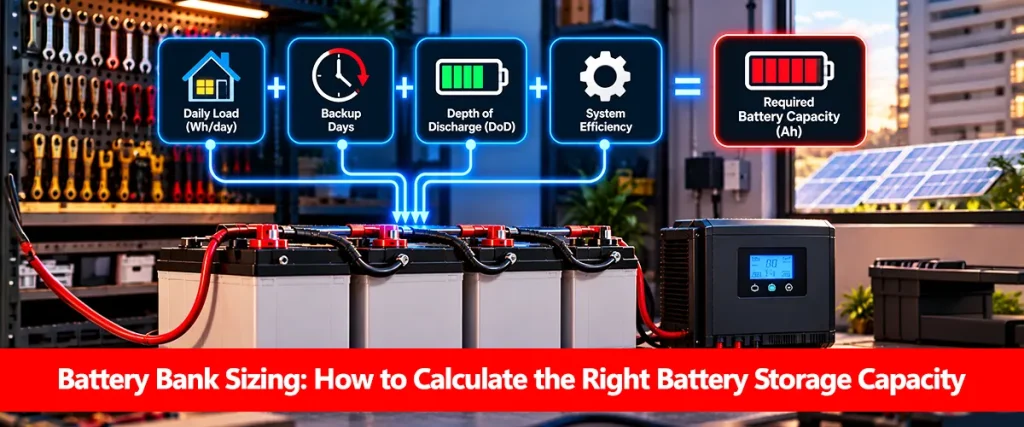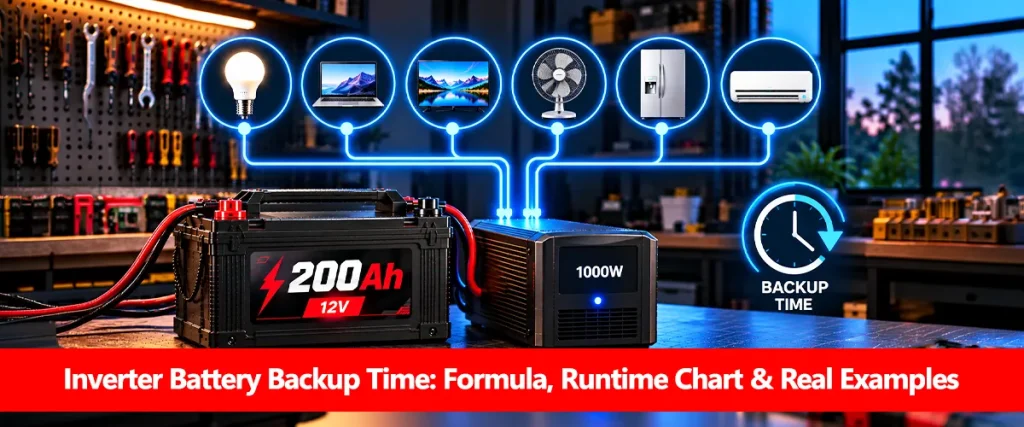

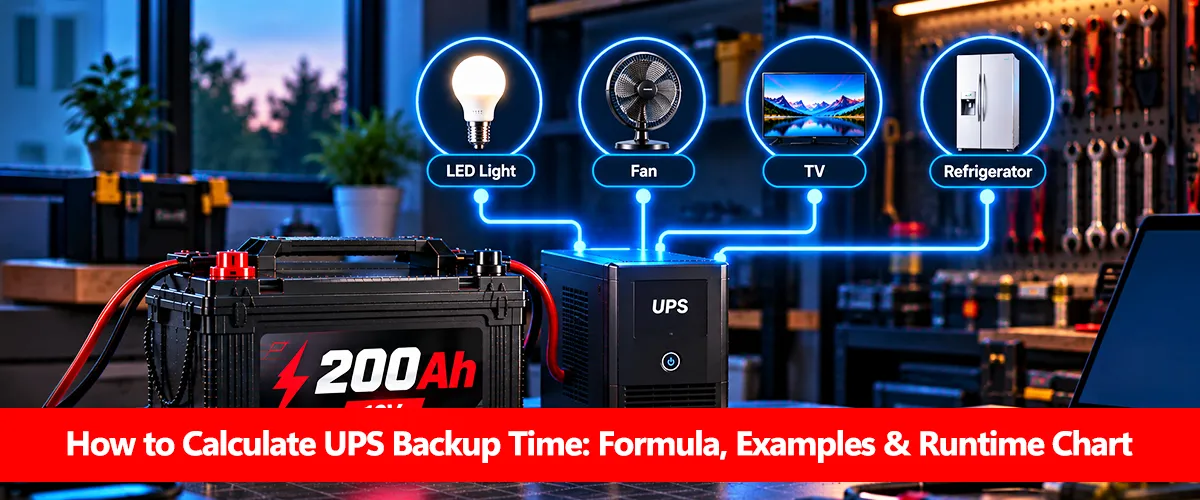
How to calculate UPS backup time starts with determining your battery’s usable energy and dividing it by the electrical power consumed by connected appliances. A 24V 100Ah battery bank, for example, could theoretically support a constant 200W load for approximately 5.1 hours, assuming 50% depth of discharge and 85% UPS efficiency.
Actual UPS backup time may be shorter because of battery aging, high discharge currents, temperature, equipment losses, and automatic shutdown settings. Whether you’re powering fans during load shedding or protecting office equipment, knowing these factors helps you estimate backup more accurately. This guide covers the UPS backup time formula, real appliance calculations, battery-bank configurations, and common mistakes.
UPS Backup Time Formula
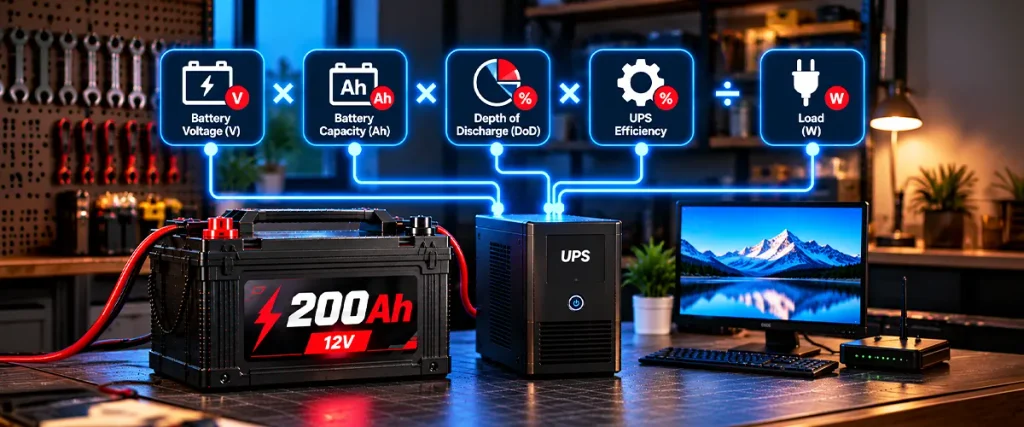
A UPS uses stored battery energy to supply electricity when mains power becomes unavailable. Its backup duration depends primarily on available battery energy and the connected electrical load, not simply the UPS’s advertised VA rating.
For a basic estimate, use:
UPS Backup Time (hours) ≈ (Battery Voltage × Battery Ah × DoD × UPS Efficiency) ÷ Load (W)
Here is what each input represents:
- Battery voltage (V): Nominal voltage of the complete battery bank.
- Battery capacity (Ah): Rated amp-hour capacity of the battery bank.
- Depth of discharge (DoD): The permitted fraction of capacity used.
- UPS efficiency: Estimated conversion efficiency while operating on battery power.
- Load (W): Total continuous power consumed by connected appliances.
Enter percentages as decimals. For example, use 0.50 for 50% depth of discharge and 0.85 for 85% efficiency.
This formula provides a planning estimate. Actual battery voltage changes during discharge, and UPS efficiency is not necessarily constant.
Step 1: Calculate the Total Appliance Load
Start by identifying everything connected to your UPS. Add the actual running wattage of appliances that will operate simultaneously. A power meter is useful because fans, computers, and other equipment do not always consume the wattage suggested by their maximum ratings.
Consider a typical household backup arrangement in Pakistan:
| Appliance | Quantity | Total Power |
| Ceiling fans (60W each) | 2 | 120W |
| LED lights (10W each) | 4 | 40W |
| Wi-Fi router | 1 | 10W |
| Total load | 170W |
The total continuous electrical load is 170W. These figures are illustrative; actual consumption should be measured or checked against appliance specifications. If some appliances operate intermittently, consider their operating patterns rather than assuming constant consumption.
Step 2: Check Your UPS Battery Bank
Next, identify the voltage and amp-hour capacity of the complete battery bank. This is important because multiple batteries can be connected in series or parallel, and those arrangements affect their combined electrical ratings differently.
For example, two identical 12V 100Ah batteries connected in series form a nominal 24V 100Ah bank, not a 24V 200Ah bank. The voltage increases, but the amp-hour capacity remains 100Ah.
Common configurations include:
- One 12V 100Ah battery: Approximately 1,200Wh nominal energy.
- Two 12V 100Ah batteries in series: 24V 100Ah, approximately 2,400Wh.
- Two 12V 100Ah batteries in parallel: 12V 200Ah, approximately 2,400Wh.
Only connect batteries in arrangements approved by their manufacturer and the UPS supplier. The UPS input voltage must match its supported battery configuration. For complete battery-bank sizing, see how to calculate battery capacity.
Step 3: Calculate UPS Backup Time With a Worked Example
Suppose your household has two 12V 100Ah lead-acid batteries connected in series, creating a 24V 100Ah battery bank. Your appliances consume 170W continuously, and you want to estimate the available backup time.
Assume:
- Battery-bank voltage: 24V.
- Capacity: 100Ah.
- Allowed depth of discharge: 50%.
- UPS efficiency: 85%.
- Connected appliance load: 170W.
First, calculate nominal battery energy:
24V × 100Ah = 2,400Wh
Next, account for the discharge allowance and conversion efficiency:
2,400Wh × 0.50 × 0.85 = 1,020Wh
Finally, divide by the electrical load:
1,020Wh ÷ 170W = 6 hours
Estimated UPS backup time: approximately 6 hours.
This is an idealized energy-based estimate. It excludes separately modeled UPS idle consumption and assumes the battery can deliver the stated energy at the required discharge rate.
UPS Backup Time Chart for Different Loads
Using the same 24V 100Ah battery bank, you can see how increasing appliance wattage reduces the estimated backup duration.
| Appliance Load | Estimated Backup Time |
| 100W | 10.2 hours |
| 150W | 6.8 hours |
| 170W | 6.0 hours |
| 250W | 4.1 hours |
| 400W | 2.6 hours |
Assumptions: 24V, 100Ah, 50% DoD and 85% UPS efficiency. Values are theoretical, not guaranteed.
At higher loads, lead-acid batteries can deliver less energy than the nominal calculation suggests. The manufacturer’s runtime chart or discharge data is therefore more reliable, especially for high-current or short-duration applications.
Why Doesn’t a 1,000VA UPS Guarantee a Particular Backup Time?
A UPS’s volt-ampere (VA) rating describes its apparent-power output capability, not the amount of energy stored in its batteries. Two 1,000VA UPS units can have very different backup durations if their battery capacities or efficiency characteristics differ. The UPS also has a separate real-power rating expressed in watts. Both the VA and W limits must be respected when connecting equipment.
Before estimating backup, check:
- The UPS’s rated output in watts.
- The actual combined load connected to it.
- Internal or external battery capacity.
- Permitted battery configuration.
- Manufacturer runtime graphs for the specific UPS model.
A larger VA rating does not automatically mean more battery storage or longer backup time.
How Do Battery Type and UPS Efficiency Affect Backup?
Battery chemistry influences how much nominal energy remains available during discharge. Lead-acid batteries may lose substantial effective capacity at high currents, while LiFePO4 batteries often provide a larger usable discharge range under their approved operating conditions. UPS conversion efficiency also varies by product and load level. An inverter that performs efficiently near its normal operating range may be less efficient under a very light load.
Other factors worth considering include:
- Discharge rate: Higher battery current can reduce effective capacity.
- Temperature: Cold conditions may reduce available energy.
- Battery aging: Older batteries usually store less energy.
- Cutoff voltage: The UPS may disconnect before the battery’s full rated capacity is delivered.
- Internal consumption: The UPS itself uses some power during battery operation.
These factors explain why calculated backup time should be treated as an estimate rather than an exact operating promise.
How Can You Improve UPS Backup Time?
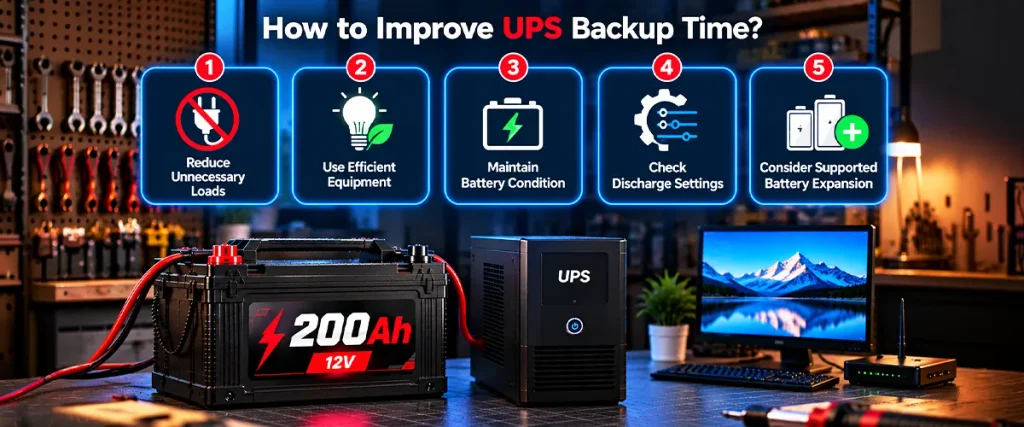
Improving backup duration usually involves reducing electrical consumption or increasing the amount of usable battery energy. However, battery expansion must be compatible with the UPS, charging system, and manufacturer’s supported configurations.
Practical improvements include:
- Reduce unnecessary loads: Disconnect nonessential appliances during outages.
- Use efficient equipment: Lower-wattage fans and LED lights can reduce consumption.
- Maintain battery condition: Follow the recommended charging and maintenance procedures.
- Check discharge settings: Avoid incorrect cutoff or battery configuration settings.
- Consider supported battery expansion: Increase capacity only where the UPS manufacturer permits it.
For more on battery-specific runtime, read how long a 100Ah battery lasts or how long a 200Ah battery lasts.
Common UPS Backup Calculation Mistakes
UPS backup calculations become unreliable when key electrical values are misunderstood. In particular, mixing battery-bank voltage with individual battery ratings can significantly distort the result.
Avoid these mistakes:
- Treating VA and watts as identical.
- Adding Ah ratings together for batteries connected in series.
- Assuming all nominal watt-hours are usable.
- Ignoring UPS conversion losses and internal power consumption.
- Calculating from appliance labels without checking actual consumption.
- Assuming lead-acid capacity remains constant at every discharge rate.
When accurate results are essential, manufacturer discharge curves and model-specific runtime specifications should take priority over simplified calculations.
Conclusion
Understanding how to calculate UPS backup time helps you estimate how long essential equipment can operate during an electricity outage. The most useful approach is to start with the complete battery bank’s nominal energy, adjust for usable capacity and conversion efficiency, and divide by the actual appliance load. For dependable results, verify the UPS’s real-power rating, battery configuration, discharge characteristics, and manufacturer runtime data. A calculated backup duration is useful for planning, but it should not replace equipment-specific performance information.
Explore more practical tutorials in Battery Calculations and Sizing, including battery runtime calculations, battery capacity sizing, and inverter backup time. Visit Batteries Hub for additional battery education.
Frequently Asked Questions
How Do I Calculate UPS Backup Time in Hours?
Multiply battery-bank voltage by its Ah capacity, apply the usable discharge fraction and UPS efficiency, then divide by the connected load in watts. The result is an estimated duration in hours.
How Long Will a UPS Run Two Fans and Four Lights?
It depends on their total wattage and the battery system. In the example above, a 170W load produces approximately six theoretical backup hours using a 24V 100Ah bank under the stated assumptions.
Can I Calculate UPS Backup Time Using Only VA?
No. VA describes the UPS’s apparent-power capability. You also need the battery energy capacity, actual load in watts, and relevant operating assumptions.
Why Is My Actual UPS Backup Shorter Than Calculated?
Possible reasons include battery aging, high discharge current, low starting charge, temperature effects, inverter losses, and UPS cutoff settings. Manufacturer runtime specifications can help identify whether the original estimate was realistic.
Is UPS Backup Time the Same as Inverter Battery Backup Time?
Both involve battery energy and electrical loads, but individual systems can differ in efficiency, battery configuration, operating mode, and protective settings. See our separate guide to inverter battery backup time.