
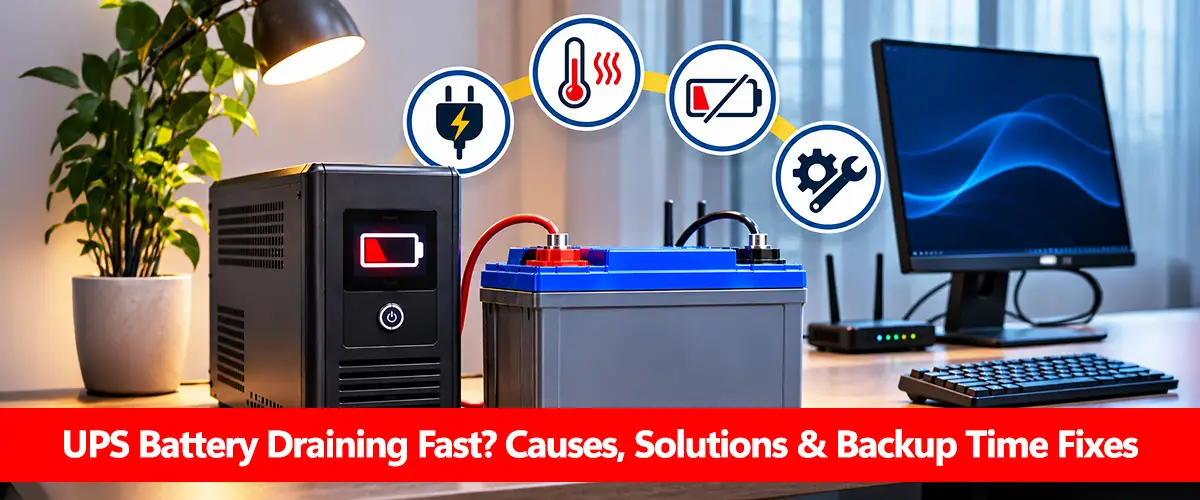
A UPS battery draining fast can result from excessive electrical load, incomplete charging, an aging battery, frequent power fluctuations or an internal UPS fault. If your UPS previously provided 20 minutes of backup but now shuts down after five minutes under the same load, the battery or charging system may need attention.
However, short backup duration does not always mean the battery is defective. Some compact UPS batteries are designed to supply only a few minutes of electricity, especially when supporting computers near the UPS’s rated output. The first step is to compare the actual load and runtime with the manufacturer’s specifications.
Why Is My UPS Battery Draining So Quickly?
Several factors can reduce the backup duration of a UPS. The most likely cause depends on whether the problem started suddenly or developed gradually.
| Symptom | Possible Cause | First Check |
| Backup time gradually decreases | Battery aging | Check installation date and self-test |
| UPS shuts down under heavy load | Overload or insufficient battery output | Check load percentage and watts |
| Short backup after an outage | Incomplete recharge | Allow the specified charging time |
| UPS frequently switches to battery | Unstable mains voltage | Check transfer-event history |
| Battery warning appears | Weak, disconnected or faulty battery | Follow manufacturer diagnostics |
| New battery gives poor backup | Compatibility or charging issue | Verify approved replacement model |
| Backup time drops in hot weather | Elevated battery temperature | Check ventilation and environment |
Most of these problems can be narrowed down without opening the UPS or touching internal electrical components.
1. Check Whether the UPS Is Overloaded
Connecting too many appliances is one of the most common reasons for rapid battery discharge. A UPS rated at 1,000VA does not necessarily support 1,000W. Its actual output watt rating may be lower, and operating close to that limit can significantly reduce runtime.
For example, a UPS supplying a 100W load will generally last longer than the same UPS supplying 300W. Equipment with high starting surges can also trigger overload shutdowns.
Start by checking the UPS display, monitoring software or product label for its output rating. Disconnect nonessential equipment from the battery-backed outlets without interrupting critical devices.
The correct battery capacity and UPS output rating must be considered separately. If your connected equipment consistently requires more power than the UPS can deliver, a larger approved UPS may be necessary rather than a bigger battery.
2. Make Sure the Battery Has Fully Charged
A UPS that has recently experienced a long power outage may not have enough time to recharge before the next interruption. The required charging period depends on the battery size, charger output and UPS model. Some units need several hours, while systems with external battery packs can take longer. Schneider Electric recommends charging certain Smart-UPS models for at least eight hours before performing a battery diagnostic test, or longer for specified external-battery configurations. For safe checking, leave the UPS connected to a suitable mains supply for the period stated in its manual. Then review its charge indicator and battery warnings.
If the battery repeatedly fails to reach full charge, the issue may involve battery charging time, the charger or the battery itself. Our battery not charging guide covers charging faults in more detail.
3. Check the Age and Health of the UPS Battery
Lead-acid batteries gradually lose usable capacity as they age. Most conventional sealed lead-acid UPS batteries have an expected service life of approximately three to five years under suitable conditions, although heat and heavy cycling can shorten that period. As capacity decreases, the UPS may show a full charge but still provide less backup than it did when new. A battery that previously supported a constant load for 15 minutes but now lasts only three minutes may be deteriorating, provided the connected load and operating conditions have not changed.
Battery age is therefore an important clue, but not a diagnosis on its own. The difference between state of charge and state of health explains why a full battery indicator does not guarantee healthy capacity. For replacement expectations, see how long UPS batteries last.
4. Look for Frequent Switching to Battery Mode
A UPS may discharge repeatedly even when there is no complete power outage. Unstable mains voltage, electrical disturbances or input-sensitivity settings can cause some UPS models to transfer to battery power more frequently than expected. If your UPS regularly beeps or displays an “On Battery” notification while mains electricity appears available, check its event log or input-voltage indicators. Some line-interactive UPS models use automatic voltage regulation to handle fluctuations without switching to the battery. Others may transfer depending on the input conditions and configured limits.
Do not change voltage-sensitivity settings without checking the manufacturer’s instructions. Repeated abnormal transfers may indicate an electrical supply problem requiring a qualified electrician. The operating differences explained in UPS vs inverter help clarify why backup systems respond differently to unstable electricity.
5. Compare Expected and Actual UPS Backup Time
A useful troubleshooting method is to compare the expected runtime for your actual load with the performance you currently receive.
For a compatible external-battery UPS, a simplified estimate is:
Backup Time = Battery Voltage × Ah × Usable DoD × Efficiency ÷ Load (W)
Consider a nominal 12V 100Ah lead-acid battery with an assumed 50% usable discharge and 85% inverter efficiency.
| Connected Load | Simplified Backup Estimate |
| 100W | 5.1 hours |
| 150W | 3.4 hours |
| 200W | 2.55 hours |
| 300W | 1.7 hours |
These are illustrative estimates, not guaranteed runtimes. Lead-acid high-rate discharge losses, UPS standby consumption, battery aging and shutdown thresholds can reduce actual performance.
This example demonstrates why increasing the connected load can make the battery appear to drain unusually quickly.
For compact desktop UPS units, use the manufacturer’s runtime chart rather than this simplified formula. The dedicated UPS backup time calculation and battery C-rate guides explain the underlying factors.
6. Check Battery Connections and Replacement Compatibility
If rapid draining started immediately after replacing the battery, compatibility should be investigated. A replacement battery may have the correct nominal voltage but an unsuitable discharge rating, connector arrangement or chemistry. Some UPS models also require specific replacement cartridges or battery configurations. Check the replacement model against the UPS manufacturer’s approved parts list. If the UPS reports a disconnected battery, follow its documented inspection procedure.
Do not open a sealed battery, remove internal covers or handle exposed terminals unless you are qualified to service that equipment. UPS systems can retain hazardous electrical energy after being switched off.
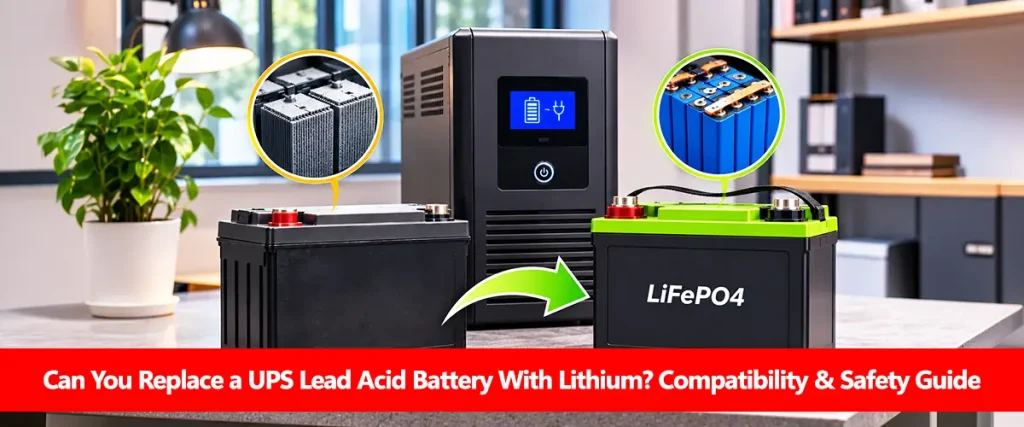
An unsuitable lithium battery for UPS may also trigger protection shutdowns when used with equipment designed for lead-acid batteries. The guide on replacing UPS lead-acid batteries with lithium explains this compatibility risk.
7. Inspect Temperature and Ventilation Conditions
Heat can reduce battery performance and accelerate aging, particularly in lead-acid UPS batteries. A UPS placed in direct sunlight, near a heat-producing appliance or inside a poorly ventilated cabinet may experience higher internal battery temperatures.
Eaton identifies ambient temperature as an important influence on UPS battery lifespan. Higher operating temperatures can shorten service life even when the UPS appears to function normally. Keep ventilation openings clear and follow the manufacturer’s recommended environmental limits. Do not place objects on the UPS or install it where airflow is restricted. If the battery is swollen, leaking, unusually hot or producing an abnormal odor, stop using the equipment if it is safe to do so and arrange professional service.
Step-by-Step Troubleshooting Checklist
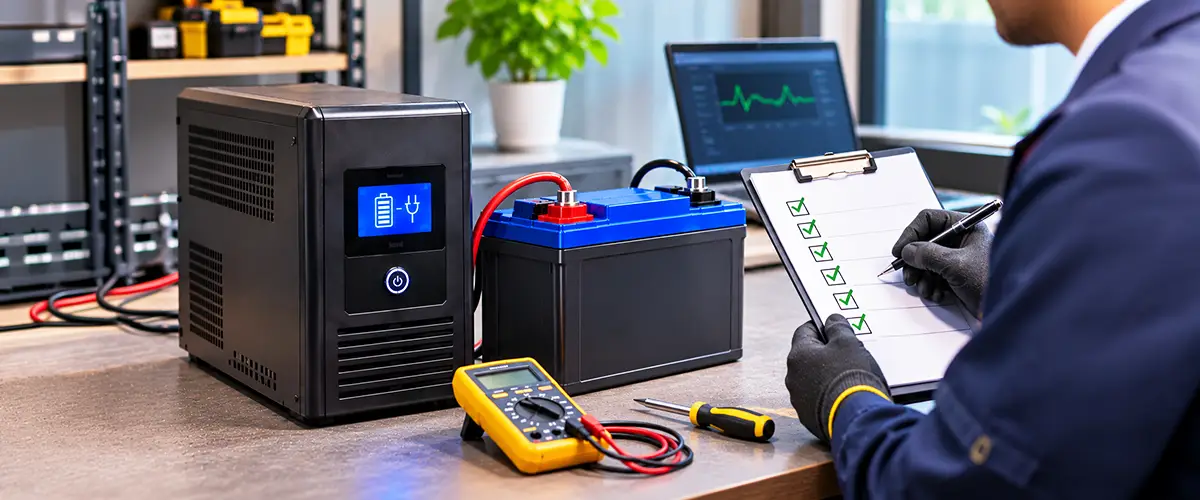
Use the following checks in order, starting with the safest and easiest observations.
- Review the load: Check the actual output watts or load percentage shown by the UPS.
- Disconnect unnecessary appliances: Reduce the load while preserving power to essential equipment.
- Allow proper recharging: Follow the battery charging period specified by the manufacturer.
- Check alerts: Review overload, replace-battery and charging warnings.
- Review power events: Look for frequent transfers to battery operation.
- Confirm battery age: Check when the battery was installed or last replaced.
- Run the approved self-test: Use the UPS display or monitoring software according to its manual.
- Compare runtime: Use the manufacturer’s runtime chart for the current load.
- Check replacement compatibility: Verify the exact approved battery model.
- Seek professional diagnosis: If the issue continues, arrange battery and charger testing.
Perform manufacturer-supported tests when a potential brief interruption will not endanger connected equipment. Avoid deliberately unplugging a UPS powering critical devices merely to test its runtime Schneider Electric warns that even UPS self-tests can pose a load-interruption risk under unsuitable conditions.
What Is Normal and What Indicates a Problem?
Not every short backup period is abnormal. A compact desktop UPS operating near its rated watt capacity may provide only a few minutes of battery power.
A more concerning pattern is a significant loss of runtime under the same connected load after the battery has been fully charged.
| Observation | Interpretation |
| Short runtime matches manufacturer chart | May be normal |
| Runtime decreases when load increases | Expected behavior |
| Runtime remains poor after full recharge | Battery or UPS issue possible |
| UPS shuts down immediately at a supported load | Requires investigation |
| Replace-battery alert persists after approved self-test | Battery replacement may be needed |
| Repeated shutdowns with abnormal heat or smell | Stop use and seek professional service |
An overloaded UPS may shut down to protect itself even when its battery has usable charge remaining. Understanding battery watt-hours and depth of discharge can help distinguish genuine capacity loss from unrealistic backup expectations.
When Should You Replace the UPS Battery?
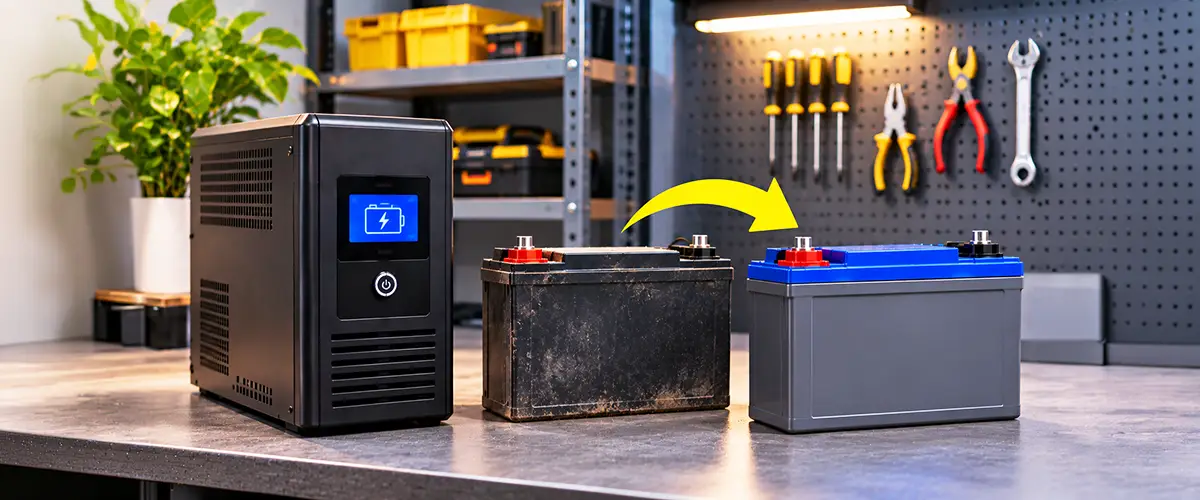
Battery replacement becomes appropriate when diagnostics indicate deterioration and the battery no longer provides the required backup time.
Common reasons include a failed manufacturer-approved self-test, a persistent replace-battery alert or a major reduction in runtime after charging and load problems have been ruled out.
For many conventional lead-acid UPS systems, battery age becomes a stronger consideration after approximately three to five years. However, replacement should follow the actual battery condition and manufacturer’s recommendations.
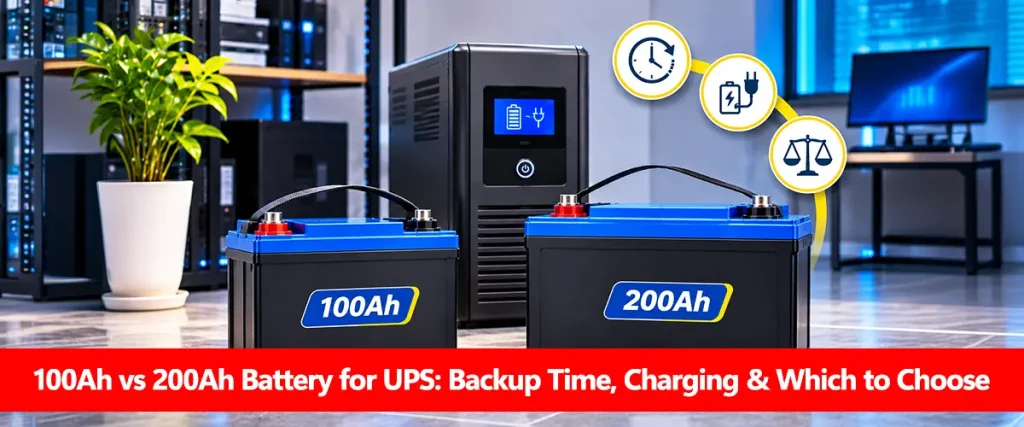
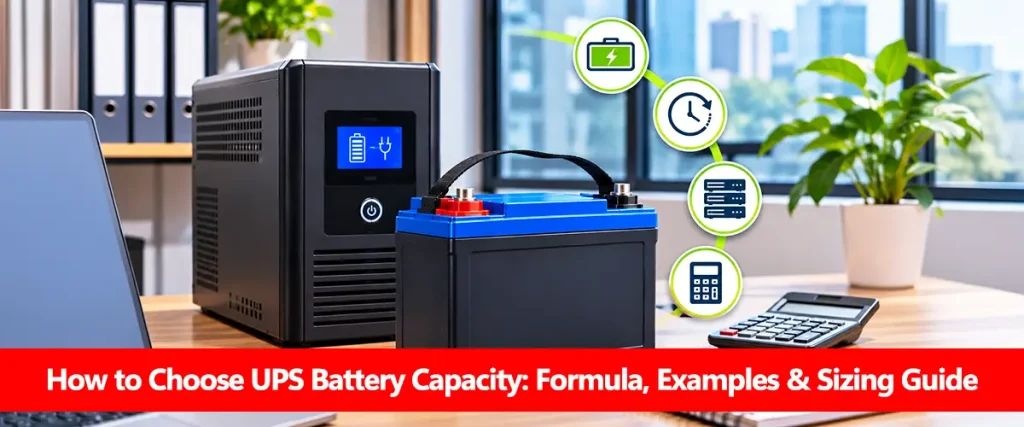
Use only approved replacement batteries. If the existing UPS requires more runtime than its design allows, choosing UPS battery capacity and comparing 100Ah vs 200Ah batteries for UPS can help for systems that explicitly support external battery banks. For compatible replacement choices, consult best UPS battery in Pakistan. Local pricing questions are covered separately in UPS battery price in Pakistan.
How to Prevent Your UPS Battery From Draining Quickly
Once the cause has been identified, several operating practices can help maintain reliable backup. Keep connected appliances within the UPS’s approved watt rating, avoid unnecessary loads during power outages and allow sufficient recharge time between discharge events. Maintain suitable ventilation, monitor battery warnings and arrange timely replacement when capacity deteriorates.
For external battery systems, ensure that the charging profile and battery-bank configuration are manufacturer-approved. Incorrect battery charging voltage can reduce battery life, while excessive discharge can contribute to repeated short-runtime problems. For battery-drain symptoms outside UPS equipment, the broader battery draining fast guide covers general causes.
Conclusion
A UPS battery draining fast usually requires checking the connected load, battery charge, battery age and UPS operating conditions before replacing anything.
Start by confirming that the UPS is not overloaded and has completed its recommended charging period. Then review battery warnings, power-event history and manufacturer-supported diagnostic results.
If runtime remains unusually short at a normal load, an aging battery or charging fault may require professional attention. For safety and reliability, replace batteries only with configurations approved for the exact UPS model.
Frequently Asked Questions
Why Is My UPS Battery Draining Fast Even When Fully Charged?
A full charge indicator does not guarantee healthy battery capacity. Battery aging, excessive load, high temperature or incorrect runtime estimates may explain the short backup.
Why Does My UPS Battery Drain in Five Minutes?
Five minutes may be normal for some compact UPS models at high loads. If the same UPS previously lasted much longer under identical conditions, check the battery age, load and diagnostic warnings.
Can Overloading Cause a UPS Battery to Drain Quickly?
Yes. A higher electrical load consumes stored energy faster. Excessive load can also cause overload alarms or protective shutdowns.
Why Does My UPS Shut Down Immediately During a Power Outage?
Possible causes include a defective or discharged battery, an overload, unsuitable battery replacement or an internal UPS fault. Follow the manufacturer’s diagnostic process.
How Do I Check If My UPS Battery Is Weak?
Check battery age, backup performance under a known load, replace-battery alerts and the results of the manufacturer’s supported self-test.
Can Low Voltage Cause UPS Battery Drain?
Yes. Depending on the UPS design and input settings, abnormal mains voltage can cause repeated transfers to battery operation, reducing available charge.
Will a 200Ah Battery Solve Fast UPS Draining?
Only if the UPS supports that capacity and insufficient stored energy is the actual problem. A larger battery will not fix overloads, charger faults or damaged UPS electronics.
How Long Should I Charge My UPS After a Power Outage?
Follow the specific UPS manual. Charging may require several hours or longer depending on battery size, charger output and how deeply the battery was discharged.
Should I Replace the Battery If the UPS Shows a Replace-Battery Warning?
Follow the manufacturer’s recommended charging and self-test procedure first, where safe. A warning that persists after the approved checks generally indicates that replacement or professional service is needed.