
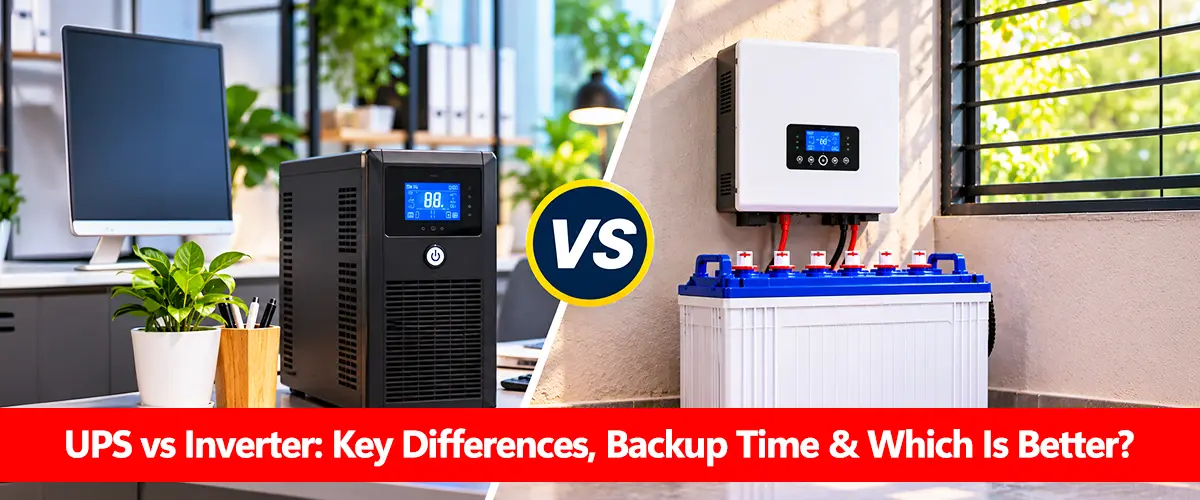
UPS vs inverter is a common comparison when choosing backup power for homes, offices, computers and other electrical equipment. A UPS (Uninterruptible Power Supply) is designed to maintain electricity supply and protect connected devices during power interruptions, while an inverter converts direct current (DC) from a battery into alternating current (AC) for appliances.
Both can provide backup electricity, but their switching behavior, power protection features and typical applications differ. A UPS often suits sensitive electronics, whereas a household inverter-charger is commonly used for longer backup during load-shedding. However, some advanced inverter systems also include UPS functionality, so the final choice depends on the equipment specifications.
What Is a UPS and How Does It Work?
A UPS is a power protection system that combines energy storage, power conversion and control electronics to support connected equipment during electricity interruptions.
Depending on its design, a UPS may regulate incoming voltage, filter electrical disturbances and transfer to battery power when the mains supply fails. Online double-conversion UPS systems continuously supply connected loads through their inverter, avoiding the normal transfer interruption associated with switching from mains to battery.
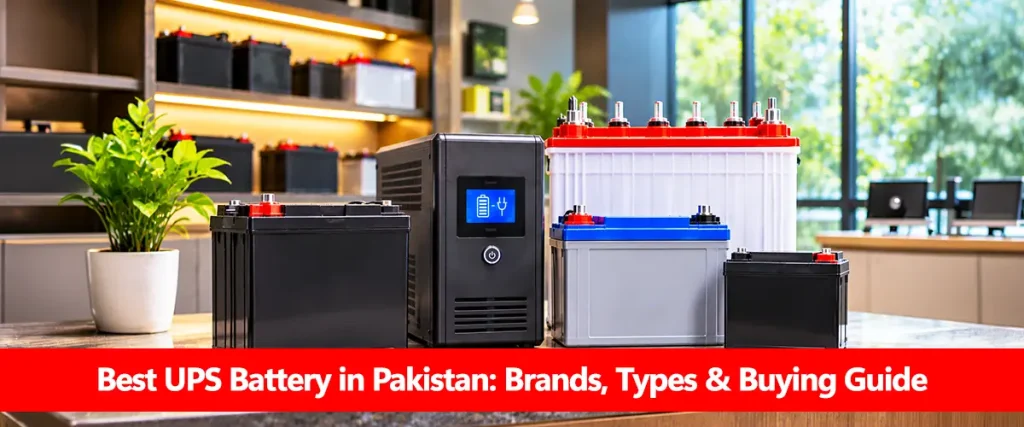
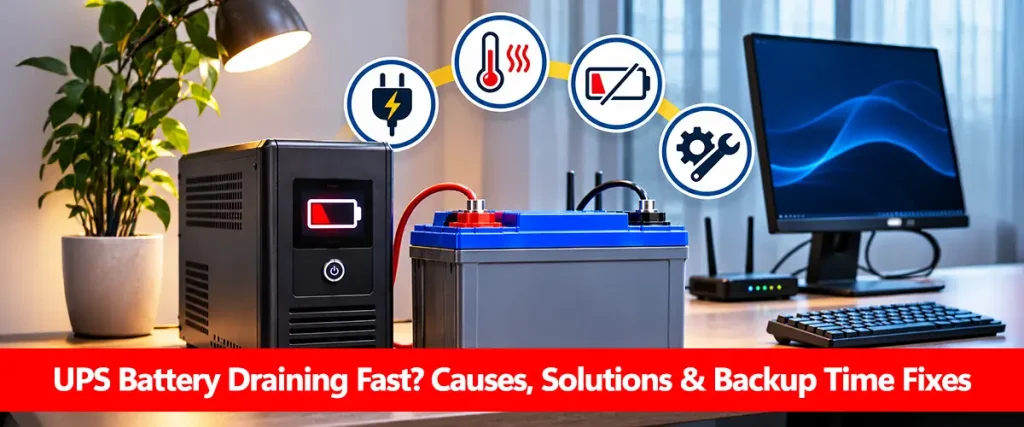
Most compact systems use an internal UPS battery, often sealed lead-acid, although compatible lithium models are also available. UPS equipment is commonly used for computers, routers, network devices and servers where sudden power loss may cause data loss or operational disruption.
What Is an Inverter and How Does It Work?
An inverter converts DC electricity from a battery into AC electricity suitable for connected appliances. In a typical household backup system, an inverter-charger can also recharge the battery using mains electricity and switch to stored energy when grid power fails.
Home inverters are commonly paired with larger external battery banks to power fans, lights, televisions and other selected appliances for extended periods. The actual backup duration depends on the inverter battery capacity, connected load and inverter efficiency.
Some hybrid inverters also integrate photovoltaic (PV) charging, allowing compatible batteries to store solar energy. A basic inverter, however, should not automatically be assumed to include a battery charger, automatic transfer switch or UPS-grade protection.
UPS vs Inverter: Main Differences
The following table compares common UPS equipment with household backup inverter-chargers.
| Feature | UPS | Home Inverter-Charger |
| Primary purpose | Power continuity and equipment protection | Household backup electricity |
| Switching behavior | Fast or zero transfer, depending on topology | Depends on model; some support UPS mode |
| Typical backup duration | Often minutes; extended models support longer runtime | Often designed for hours with suitable batteries |
| Battery arrangement | Internal or approved external batteries | Commonly external battery banks |
| Voltage regulation | Common in UPS designs | Depends on inverter features |
| Typical applications | Computers, servers, networking | Fans, lights, appliances and home backup |
| Solar charging | Not typical for standard UPS | Available in compatible hybrid models |
| Initial system cost | Varies by topology and rating | Varies by power rating and battery bank |
These are common application differences, not universal technical limits. Industrial UPS systems may support substantial battery banks and long runtimes, while an advanced inverter-charger may provide fast UPS-style transfer.
The battery technology also influences performance. Choosing the best battery for UPS or best battery for inverter requires checking the exact equipment requirements.
Transfer Time: Which Provides Faster Backup?
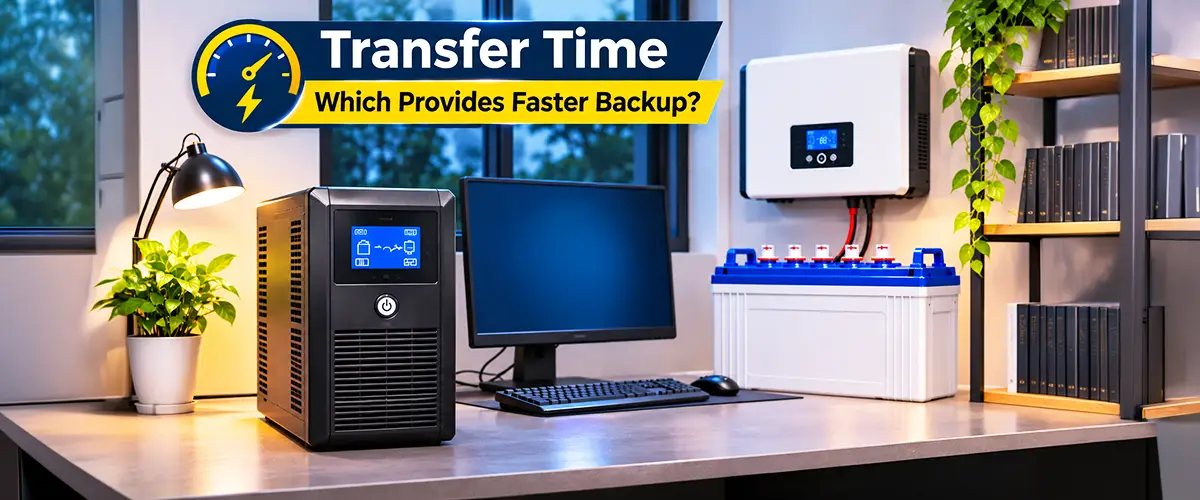
Transfer time is the interval between losing the normal electricity supply and delivering battery-derived power to connected equipment.
For sensitive electronics, even a short interruption can matter. Typical standby and line-interactive UPS designs transfer quickly, while online double-conversion UPS systems continuously supply electricity through their inverter during normal operation.
| Equipment Type | Switching Characteristics |
| Standby UPS | Brief transfer interruption, commonly milliseconds |
| Line-interactive UPS | Commonly around 2–10 ms, depending on model and settings |
| Online double-conversion UPS | No normal transfer interruption in double-conversion mode |
| Household inverter-charger | Model-dependent; some provide fast UPS-mode transfer |
For example, Schneider Electric documents 2–10 ms transfer times across certain Smart-UPS line-interactive configurations. Victron also offers inverter-chargers with UPS functionality, demonstrating that fast switching is not exclusive to conventional UPS products.
For computers and sensitive networking equipment, verify the manufacturer’s transfer-time specification rather than relying only on the product name.
UPS vs Inverter Backup Time
Backup duration is not determined by whether a device is called a UPS or an inverter. It depends mainly on the energy stored in its batteries, the connected electrical load and conversion losses.
A compact UPS may use a small internal battery because its purpose is to provide enough time for safe shutdown. A household inverter system may use larger deep-cycle batteries to support selected appliances for several hours.
Consider these illustrative configurations:
| Setup | Battery Storage | AC Load | Estimated Backup |
| Compact UPS | 24V, 9Ah | 150W | Model-dependent; usually short |
| Home inverter | 12V, 150Ah | 200W | About 3.8 hours |
| Larger battery system | 24V, 150Ah | 200W | About 7.7 hours |
The inverter examples assume 50% usable depth of discharge and 85% inverter efficiency. Real runtime may be lower due to battery discharge characteristics, standby consumption and aging. The compact UPS should be assessed using its manufacturer’s runtime chart.
For exact estimates, use how to calculate UPS backup time or inverter battery backup time. Both methods require real appliance wattage rather than assumed backup hours.
Understanding VA, Watts and Battery Capacity
UPS and inverter ratings are frequently confused with battery capacity. These specifications measure different aspects of a backup power system.
VA (volt-amperes) describes apparent power, while W (watts) measures real electrical power. A UPS rated at 1,000VA does not necessarily provide 1,000W of usable output; its watt rating must be checked separately.
Battery capacity, meanwhile, determines stored energy. A battery rated at 12V and 100Ah stores approximately 1,200Wh of nominal energy, before discharge restrictions and system losses.
A device may have sufficient battery energy but still be unable to power an appliance if the continuous or surge load exceeds its output rating. Understanding battery watt-hours, Ah vs Wh and battery capacity helps avoid this mistake.
Which Is More Efficient: UPS or Inverter?
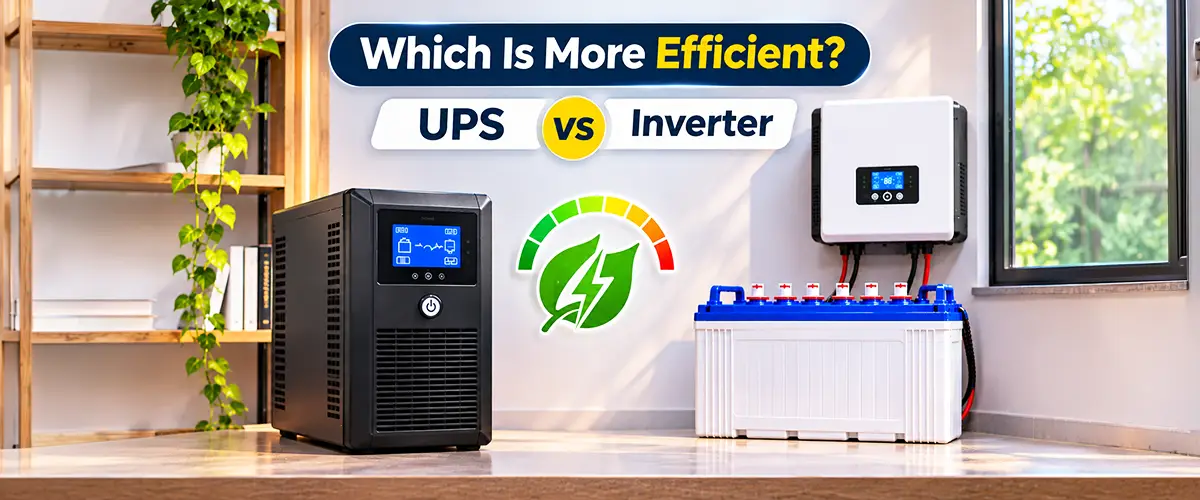
Neither category is automatically more efficient. Conversion efficiency depends on equipment design, operating mode and connected load.
An online double-conversion UPS continuously converts incoming electricity through power electronics, providing strong power conditioning but introducing conversion losses. A line-interactive UPS may operate more efficiently during normal grid conditions because it does not continuously perform the same conversion process.
Household inverter efficiency also varies with power demand, battery voltage and equipment quality. Light loads may be affected more noticeably by standby consumption, particularly in oversized systems.
For long backup periods, both inverter efficiency and battery discharge limits should be considered through battery bank sizing rather than selecting equipment based only on advertised efficiency.
UPS and Inverter Battery Types
Both UPS and household inverter systems can use lead-acid or lithium batteries when their electrical design supports the selected chemistry.
Compact UPS products often contain sealed AGM batteries, while household inverter systems commonly use tubular lead-acid batteries or compatible lithium storage.
| Battery Type | UPS Suitability | Inverter Suitability |
| AGM | Common in compact UPS units | Suitable for compatible systems |
| Tubular lead-acid | Used in selected external-battery systems | Common for extended home backup |
| Gel | Suitable where approved | Suitable with correct charging |
| LiFePO4 | Suitable for approved lithium UPS models | Suitable for compatible modern inverters |
Battery chemistry affects charging requirements, usable energy and expected service life. For a closer comparison, explore tubular battery for UPS, lithium battery for UPS and LiFePO4 battery for UPS.
Charging Compatibility and Battery Lifespan
Many UPS systems contain dedicated charging circuits intended for particular battery specifications. Home inverter-chargers may offer configurable charging settings, but their supported chemistries and current limits still vary by model.
Lead-acid batteries commonly require bulk, absorption and float charging, while LiFePO4 systems require chemistry-specific voltage settings and suitable electronic protection.
An incorrect battery charging voltage or charging profile can shorten battery service life and create safety risks. Before changing chemistry, review the guidance on replacing a UPS lead-acid battery with lithium and the role of a battery management system.
A battery’s actual lifespan depends on temperature, charging conditions, discharge depth and frequency of use. For equipment operating through regular outages, these factors may influence ownership cost more than the initial purchase price.
Which Is Better for Home, Office and Computer Use?
The appropriate backup system depends on which devices must remain powered and how quickly backup electricity needs to be available.
| Application | Usually More Suitable |
| Desktop computer and monitor | UPS with appropriate runtime |
| Office networking equipment | UPS |
| Servers and critical IT equipment | Suitable online or enterprise UPS |
| Household lights and fans | Home inverter with compatible batteries |
| Several hours of residential backup | Appropriately sized inverter-battery system |
| Solar-powered household backup | Compatible hybrid inverter and battery |
| Mixed sensitive electronics and household loads | Carefully designed combined solution |
For example, a household may use an inverter for lighting and fans while keeping a dedicated UPS for a computer. This arrangement can provide longer household backup while preserving the power protection required by sensitive equipment.
A properly designed home backup battery system should match both the connected appliance loads and the required operating duration.
Cost and Maintenance: UPS vs Inverter
A small consumer UPS may have a lower initial purchase cost than a complete household inverter and external battery bank. However, larger online UPS systems can be more expensive because of their power-conversion, monitoring and protection features.
The overall cost should include battery capacity, replacement intervals, electrical installation and maintenance requirements.
UPS batteries may need periodic replacement due to calendar aging or frequent discharge. Household systems using flooded lead-acid batteries may require electrolyte maintenance, while compatible lithium batteries generally need less routine physical servicing. For Pakistan-specific purchasing decisions, best UPS battery in Pakistan and UPS battery price in Pakistan cover relevant buying considerations separately.
How to Choose Between a UPS and an Inverter
Before purchasing either system, identify what matters most: uninterrupted operation, extended backup duration or both.
Use this practical checklist:
- Identify the load: Add the wattage of all connected appliances.
- Check sensitivity: Determine whether devices can tolerate a brief switching interruption.
- Set backup duration: Decide whether you need minutes or hours of electricity.
- Verify output ratings: Check W, VA and starting-surge capability.
- Calculate battery requirements: Consider usable Wh, efficiency and discharge limits.
- Confirm charging compatibility: Match battery chemistry and voltage to the equipment.
- Compare ownership costs: Include battery replacements, maintenance and warranty coverage.
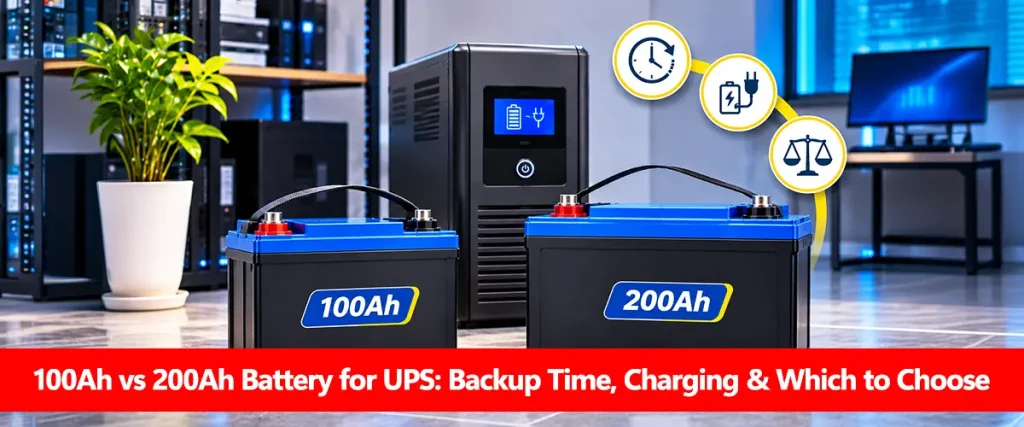
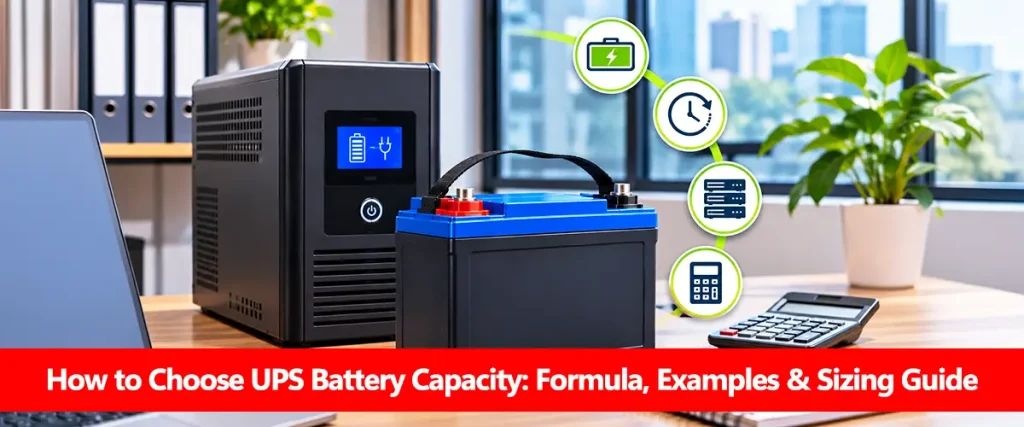
For longer backup requirements, how to choose UPS battery capacity helps identify suitable energy storage. If you are comparing different battery-bank configurations, 100Ah vs 200Ah battery for UPS covers their practical differences.
Conclusion
The UPS vs inverter comparison comes down to equipment purpose, switching behavior, power protection and backup requirements.
A UPS is generally preferred when sensitive equipment needs power continuity and protection from electrical disturbances. A household inverter-charger is often practical for longer backup periods using a suitable external battery bank.
However, modern inverter-chargers can include UPS functionality, and larger UPS systems can support extended runtime. The best choice is determined by the manufacturer’s specifications, connected load, battery compatibility and required backup duration.
Frequently Asked Questions
What Is the Main Difference Between a UPS and an Inverter?
A UPS is a complete power protection system designed to maintain supply during interruptions, while an inverter primarily converts battery DC electricity into AC. Some inverter-chargers also include UPS-style switching and protection functions.
Which Is Better for a Computer: UPS or Inverter?
A suitable UPS is generally preferable because of its defined transfer time and power protection features. An inverter-charger may also work if its output quality and switching performance meet the computer’s requirements.
Can an Inverter Work Like a UPS?
Yes. Some inverter-chargers offer UPS mode and sufficiently fast transfer for certain sensitive loads. Compatibility depends on the exact device, its settings and the equipment being powered.
Which Gives Longer Backup: UPS or Inverter?
Neither automatically provides longer backup. Runtime depends on usable battery energy, load and efficiency. Household inverter systems are often configured with larger batteries, but some UPS models also support extended runtime.
Is a UPS More Expensive Than an Inverter?
Cost varies by rating, design and battery capacity. A small desktop UPS may be inexpensive, while an online enterprise UPS can cost considerably more than a basic household inverter.
Can I Use the Same Battery for a UPS and an Inverter?
Only if the battery voltage, chemistry, discharge rating and charging requirements are compatible with both devices. The manufacturer’s approved battery specifications should determine suitability.
Does a UPS Consume More Electricity Than an Inverter?
Not necessarily. Efficiency depends on operating mode, equipment design and load. Online double-conversion UPS systems may have different conversion losses from line-interactive UPS or household inverter systems.
Is a UPS Suitable for Fans and Lights?
A UPS can support fans and lights if its continuous output, surge rating and battery capacity are adequate. For several hours of household backup, an inverter system designed for external batteries may be more practical.
What Should I Check Before Buying a UPS or Inverter?
Check output watts and VA, transfer time, waveform quality, backup duration, battery capacity, charging compatibility, warranty and manufacturer-approved operating conditions.